⭐️ 6/17(三)更新项目
🛠【前台功能】v 1.2.34 / 2.1.29
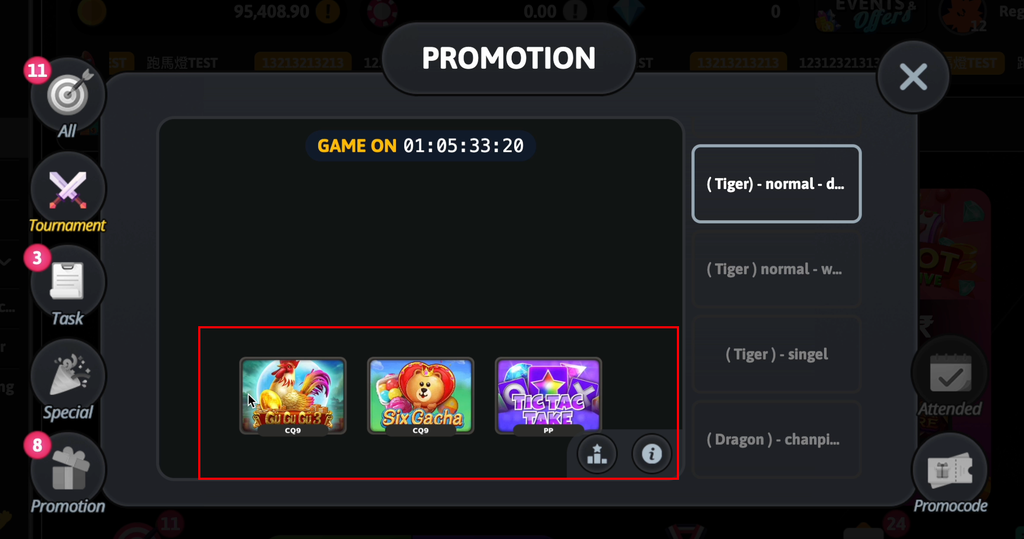
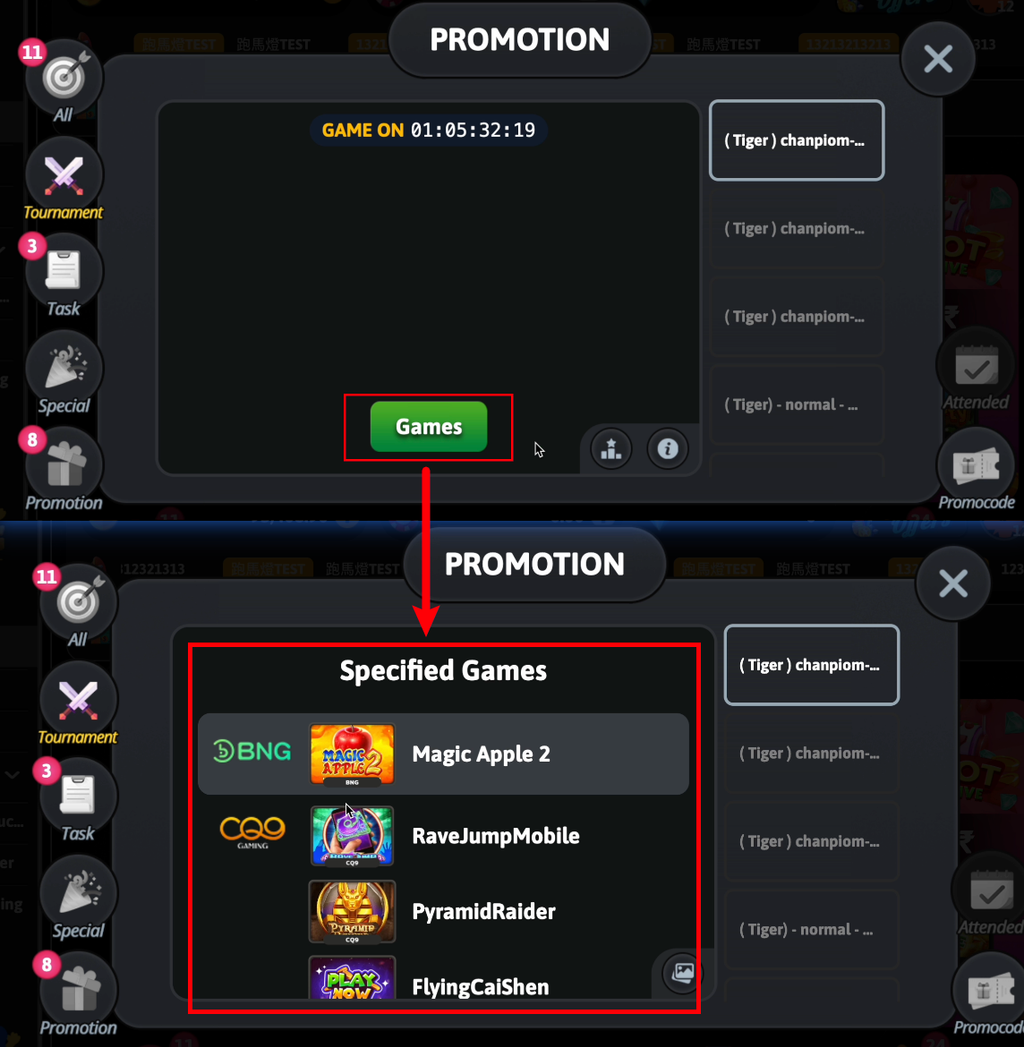
▶️功能 1 → 前台龙虎榜「日期」显示优化:
龙虎榜调整为显示明确的「日期区间」,方便玩家理解,提升排行榜信息直观度,并统一前后台显示方式。
▶️功能 2 → 平台版前台登录体验优化:
优化玩家登录机制,当玩家暂时离开页面后再次返回平台,系统可自动恢复登录状态,减少重新登录操作,提升留存体验与使用便利性。
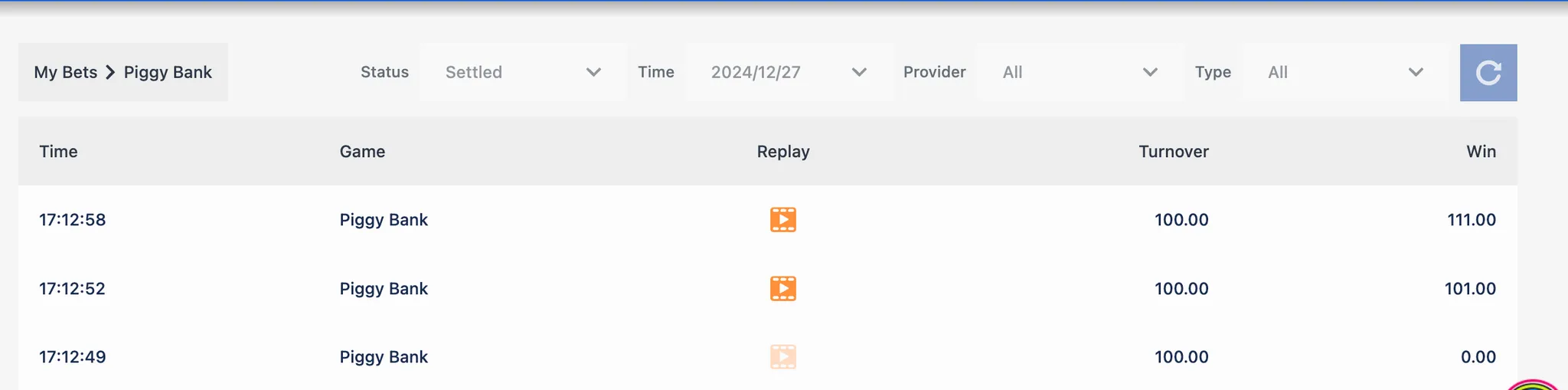
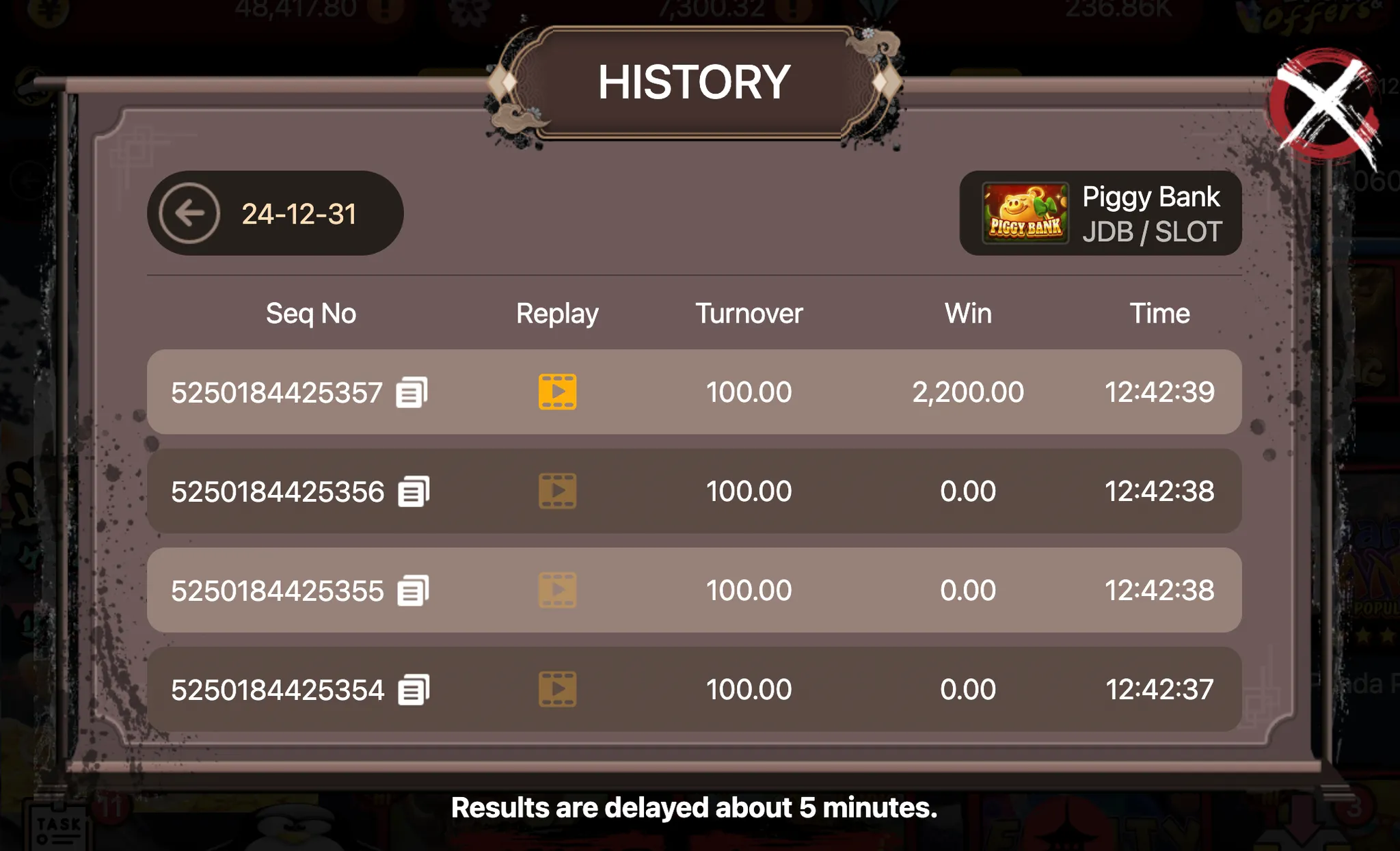
▶️功能 3 → Free Game 奖励结算流程优化:
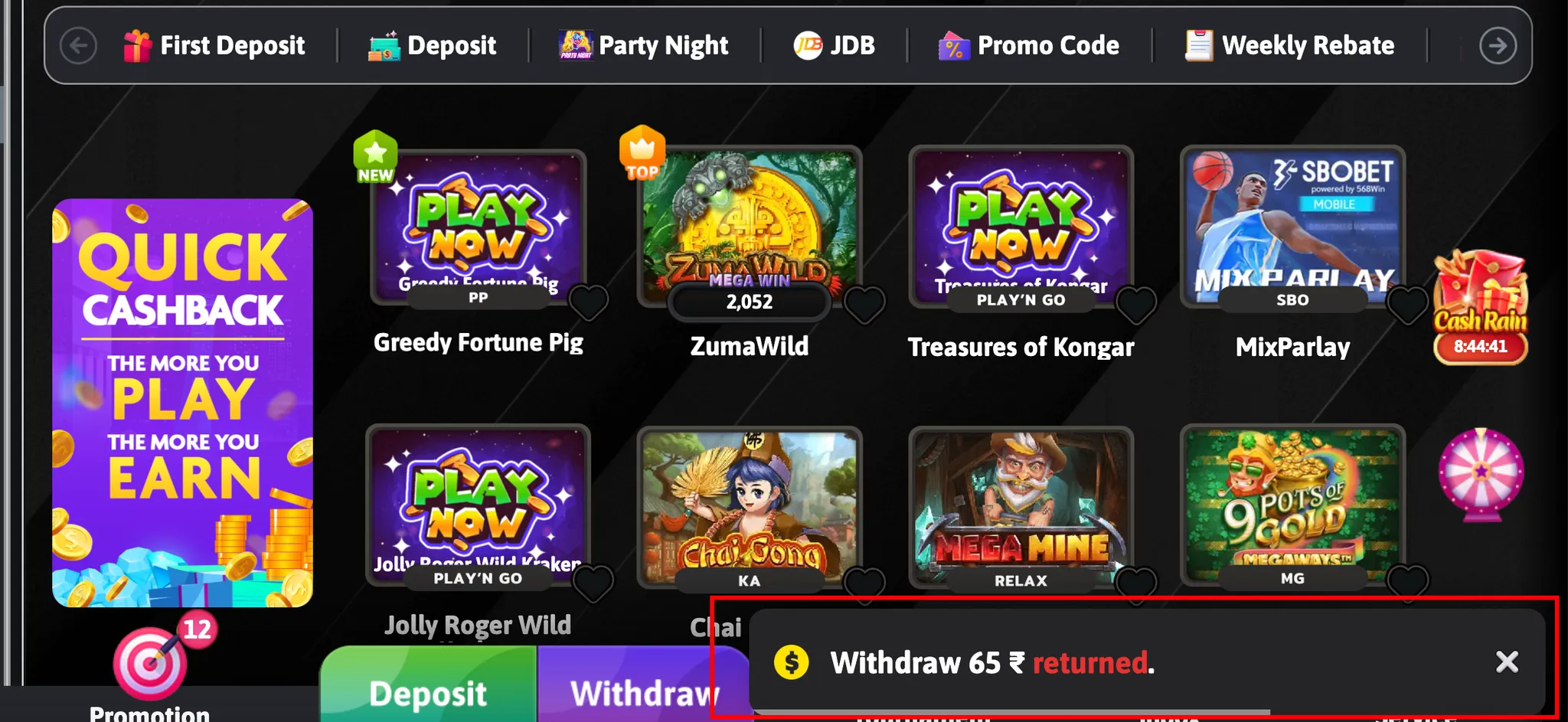
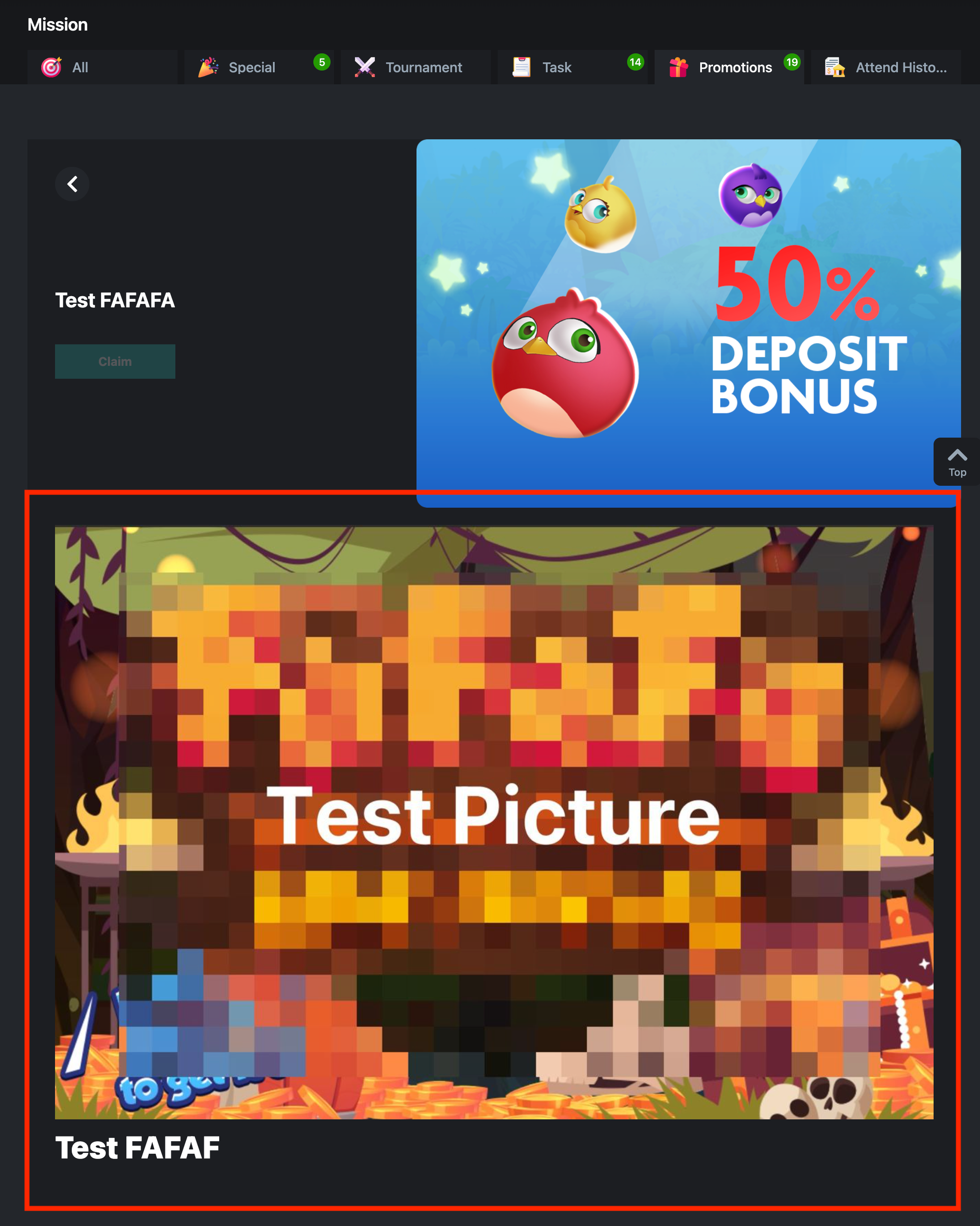
玩家完成 Free Game 后,若有赢得奖励,系统将依活动设定自动套用对应的奖励规则。若奖励设有流水要求,需完成指定条件后方可提领,活动机制更完善。
🛠【后台功能】v 1.26.611
▶️功能 1 → 免费游戏出款规则优化:
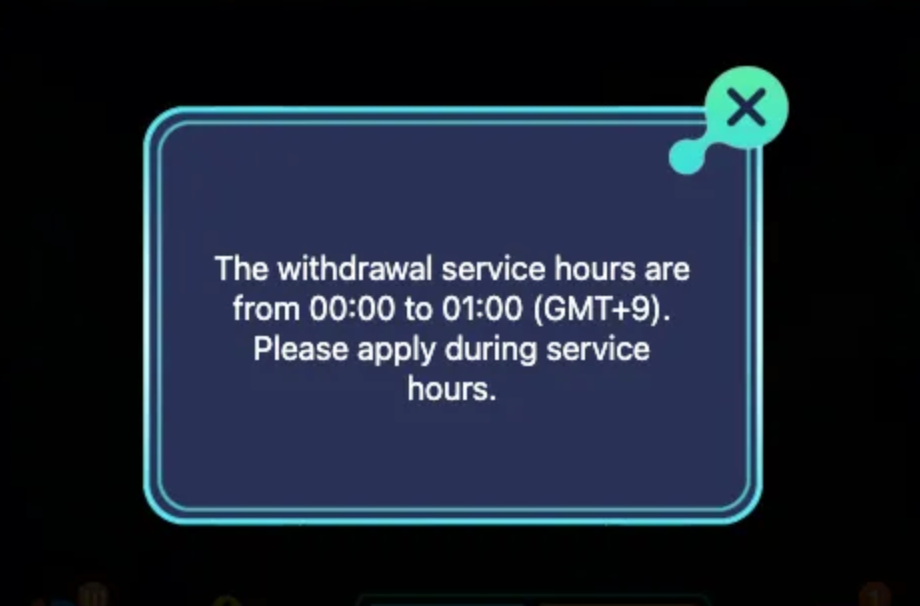
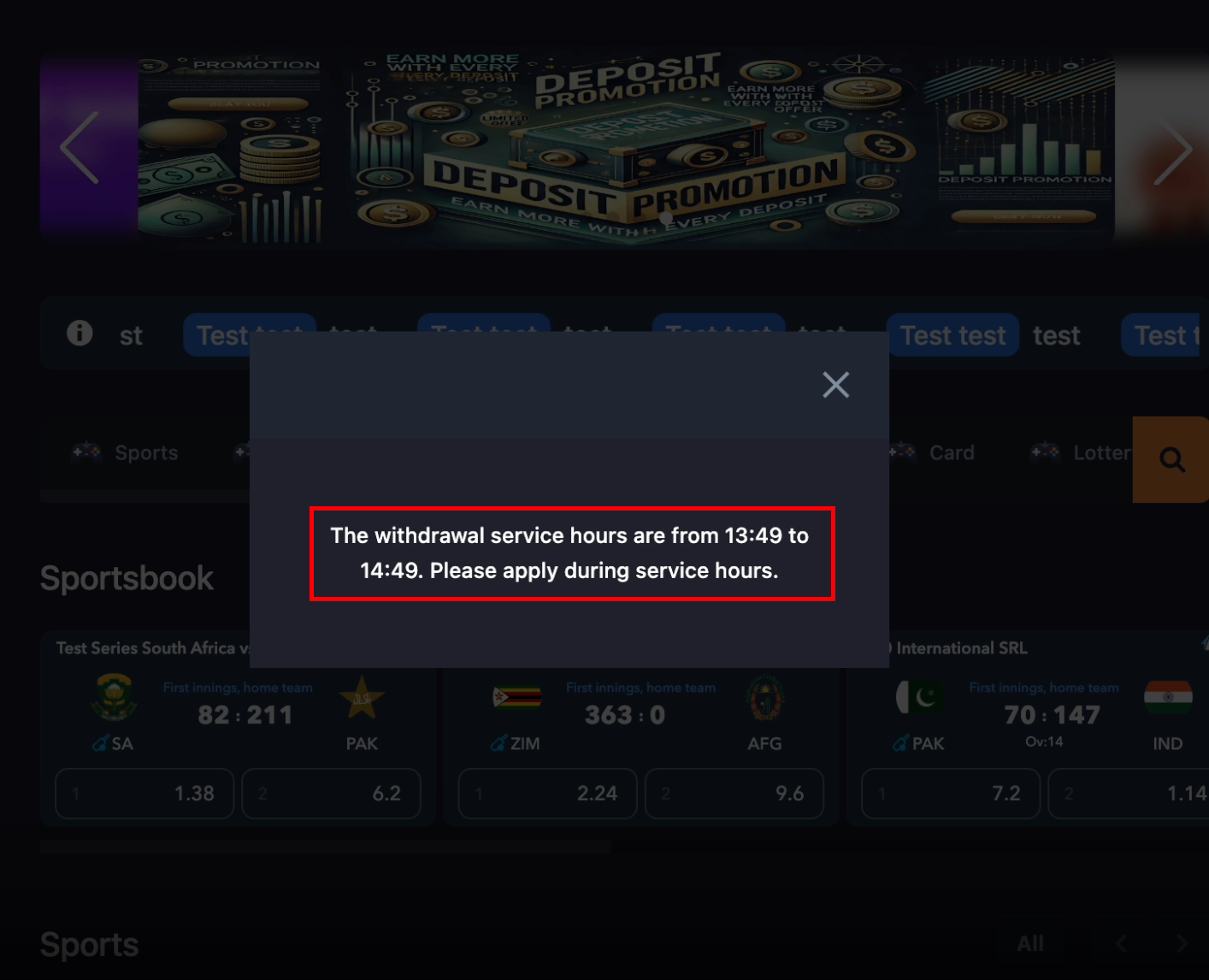
①新增「Withdraw Rule After Settle 结算后提现规则」栏位设定:站方可于 Free Game 活动中设定奖励结算后的提现规则,站方可于后台设定免费游戏奖励是否绑定流水限制,提升活动风控。
②因应免费游戏新增流水绑定功能,以下页面新增免费游戏奖励相关功能:
- 交易报表 Transaction Report、用户管理 User Management - Transaction 新增「PROCEED 继续」状态:当 Free Game 奖励结算后转入后续活动规则时,系统将记录 PROCEED(继续)状态,方便站方追踪奖励转换流程。
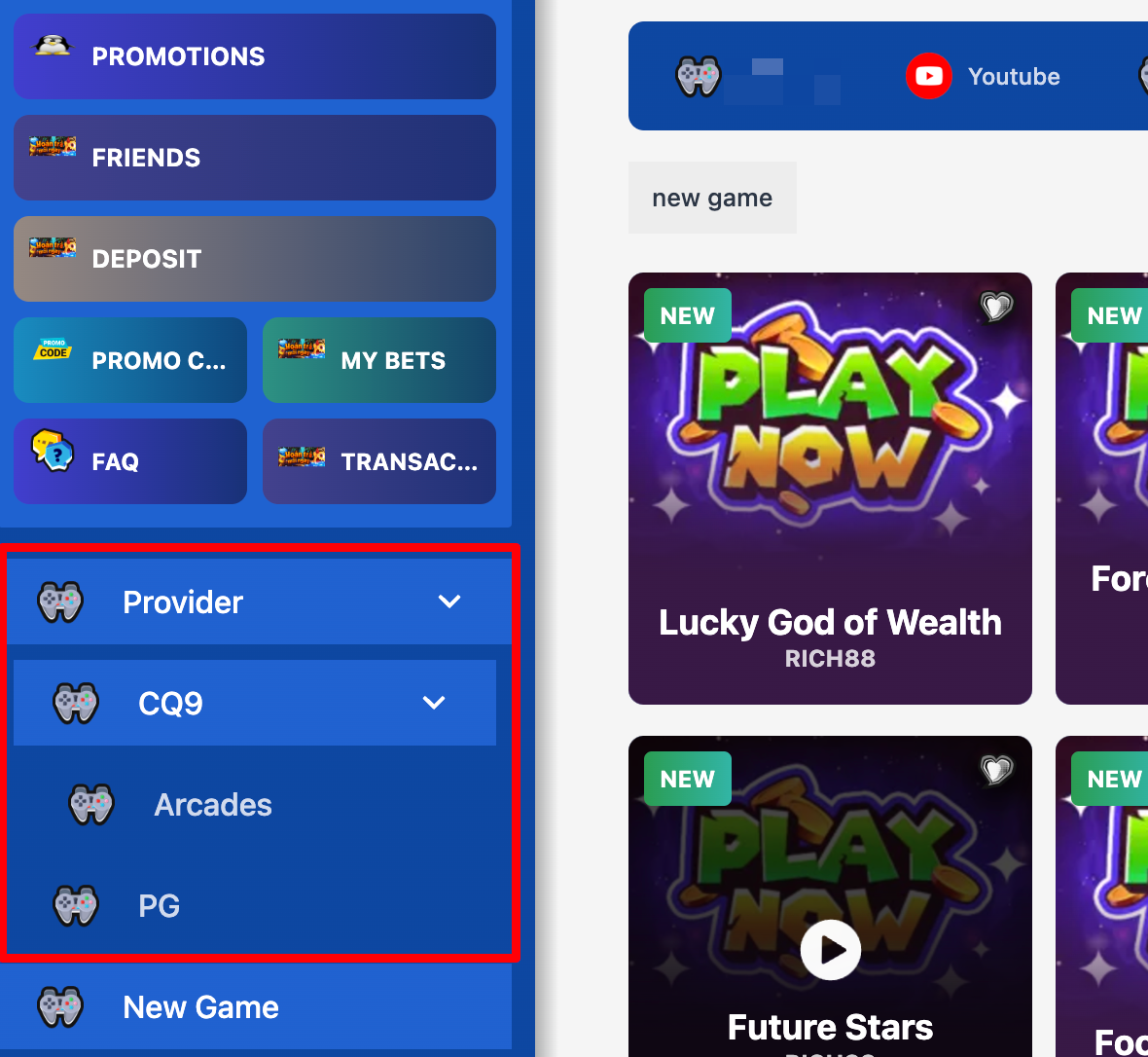
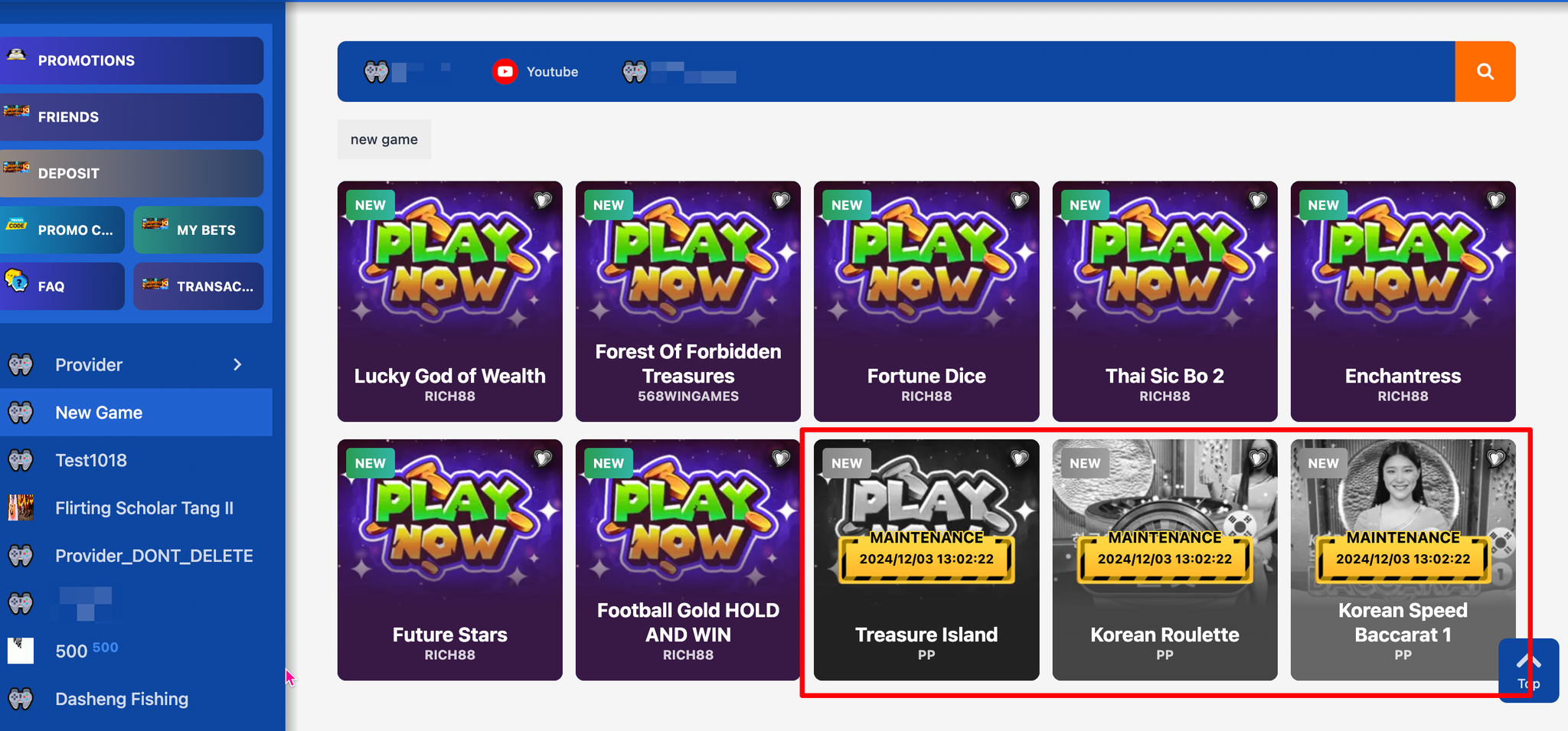
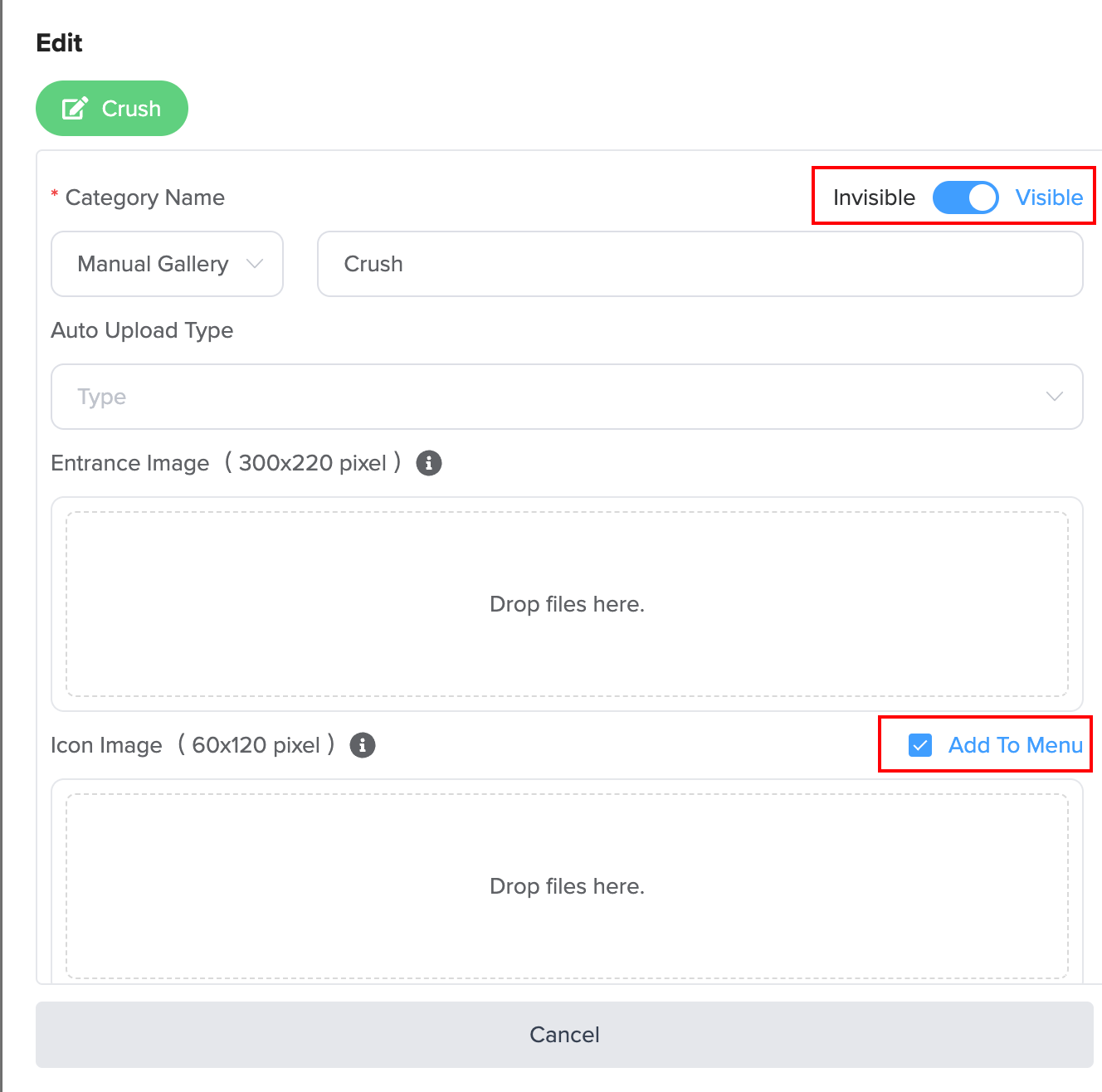
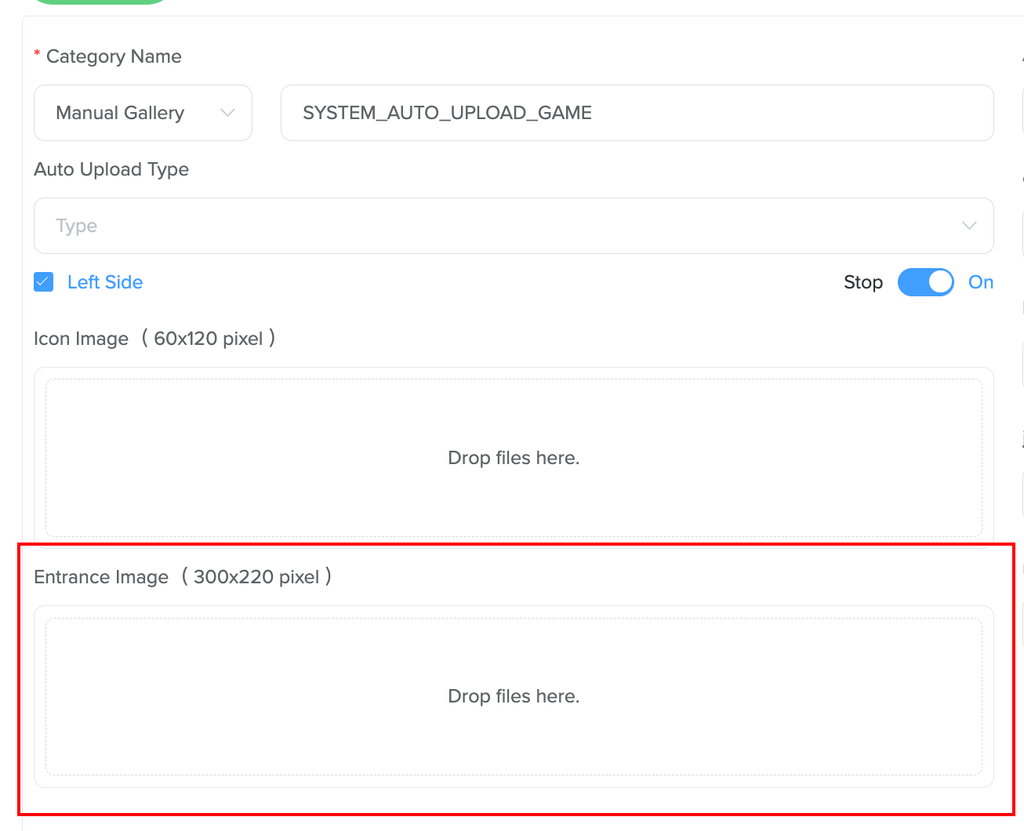
- 派奖报表 Reward Report 新增「Free Game Proceeded 免费游戏接关」活动模板,方便查询追踪。 ▶️功能 2 → 金流中心 Payments Back Office 栏位调整优化: 新增 Agent ID 搜索条件,支援与 Holder Name 及其他条件搭配查询,资料筛选更精准、查找更有效率。 ▶️功能 3 → Game Config 操作功能优化: ①New Games 及 Top Games 馆别功能优化:此两个馆别仅支援新增游戏,不支援新增馆别;手动新增游戏时仅保留 Game 选项。 补充说明:前台显示的 New Games 与 Top Games 数量将依站点设定为准,即使手动新增超过上限,前台仍仅显示站点设定的最高数量。 ②部分虚拟馆别将隐藏操作功能:针对由系统自动维护内容的馆别,系统隐藏相关操作按钮,仅保留适用功能,管理更直觉,进一步提升后台操作体验。优化范围包含以下馆别:
- Limit Game
- Demo Games
- Game Tags
- My Favorite
- Recently Played
以上更新功能,详见后台操作说明
👉🏻https://changelog.th1games.com/
⭐️6/17 (Wednesday) Update Items
🛠【Frontend Feature】v 1.2.34 / 2.1.29
▶️Feature 1 → Frontend Dragon & Tiger Ranking “Date” Display Optimization:
The ranking list now shows a clear “date range” to help players better understand the leaderboard period, improve readability, and unify the display format between frontend and backend.
▶️Feature 2 → Platform Frontend Login Experience Optimization:
Improved the login mechanism: when players temporarily leave the page and return, the system can automatically restore the login session, reducing repeated login steps and improving retention and convenience.
▶️Feature 3 → Free Game Reward Settlement Flow Optimization:
After players complete a Free Game, if a reward is won, the system will automatically apply the corresponding reward rules based on the campaign settings. If wagering requirements apply, players must meet the required conditions before withdrawals, making the campaign mechanism more complete.
🛠【Backend Feature】v 1.26.611
▶️Feature 1 → Free Game Withdrawal Rule Optimization:
① Added a new field: “Withdraw Rule After Settle.” Sites can configure the withdrawal rule after reward settlement in Free Game campaigns, and decide whether Free Game rewards are tied to wagering requirements to enhance risk control.
② To support the new wagering-binding mechanism for Free Game, related features were added to the following pages:
- Transaction Report / User Management - Transaction: added a “PROCEED” status. When a Free Game reward is settled and proceeds into subsequent campaign rules, the system records the PROCEED status to help track the reward conversion flow.
- Reward Report: added a “Free Game Proceeded” campaign template for easier querying and tracking. ▶️Feature 2 → Payments Back Office Field Adjustment Optimization: Added an Agent ID search filter, which can be used together with Holder Name and other conditions for more accurate filtering and more efficient searches. ▶️Feature 3 → Game Config Operation Optimization: ① New Games and Top Games gallery optimization: these two galleries only support adding games and do not support adding galleries. When adding games manually, only the Game option will be retained. Note: the number of New Games and Top Games shown on the frontend follows the site setting. Even if more games are added manually beyond the limit, only the maximum number set by the site will be displayed. ② Some virtual galleries will hide operation functions: for galleries maintained automatically by the system, related operation buttons will be hidden and only applicable functions will remain, improving clarity and the backend operation experience. The optimization scope includes:
- Limit Game
- Demo Games
- Game Tags
- My Favorite
- Recently Played
👉🏻https://changelog.th1games.com/